Rated 4.8 on Trustpilot
Read Reviews

·
Faults & Servicing
Why Is My Solar Battery Not Charging?
Before you assume something is broken, check four common explanations. And if your battery is pulling from the grid in the middle of a sunny day, there is a specific cause worth knowing about.
By
Solar Panels London
·
Last reviewed
Often, nothing is broken.
Home batteries do a lot of things that look like faults and are not. They sit idle when there is no surplus to store. They stop at a set level rather than filling completely. They refuse to charge in the cold. And on a time-of-use tariff they will happily ignore the sunshine and wait until two in the morning, because that is what you asked them to do when you signed up.
So the useful first step is not diagnosis, it is elimination. Start with four checks, all of which you can do from your phone.
Then there is the smaller set of genuine faults, one of which is worth understanding in detail because it is invisible from the app and it makes the whole system behave backwards.
Key points
Check the tariff and the charge schedule before anything else. A battery charging at 3am on cheap electricity is working correctly.
A battery will usually refuse to charge below freezing, which catches people with batteries in garages and outbuildings in winter.
In December there may simply be no surplus to store. That is not a fault.
A battery importing from the grid at midday with sun on the roof is a genuine red flag, and a likely cause is a current sensor fitted wrongly.
A CT clamp sits on live incoming cables. Checking one is not a homeowner job.
First, the things that are not faults
Is there actually any surplus?
A battery charges from what is left after your house has taken what it needs. In June there is plenty. In December a modest array on a dull day may never produce more than the fridge, the router and the standby loads are already using, so there is nothing spare to store.
Check today's generation in your app and compare it with the weather. If the system is making very little, the battery has nothing to work with and everything is behaving normally.
Is it already full, or holding a reserve?
Obvious, but worth ruling out. A battery at 100 per cent will show as idle or standby rather than charging.
Less obvious is the reserve. Most systems let you set a minimum state of charge that the battery will not go below, so there is something held back for a power cut. If yours is sitting at that number and refusing to move, it is doing what it was configured to do.
Having the opposite problem, with a full battery that won’t power the house? See why a solar battery is not discharging.
Is it cold?
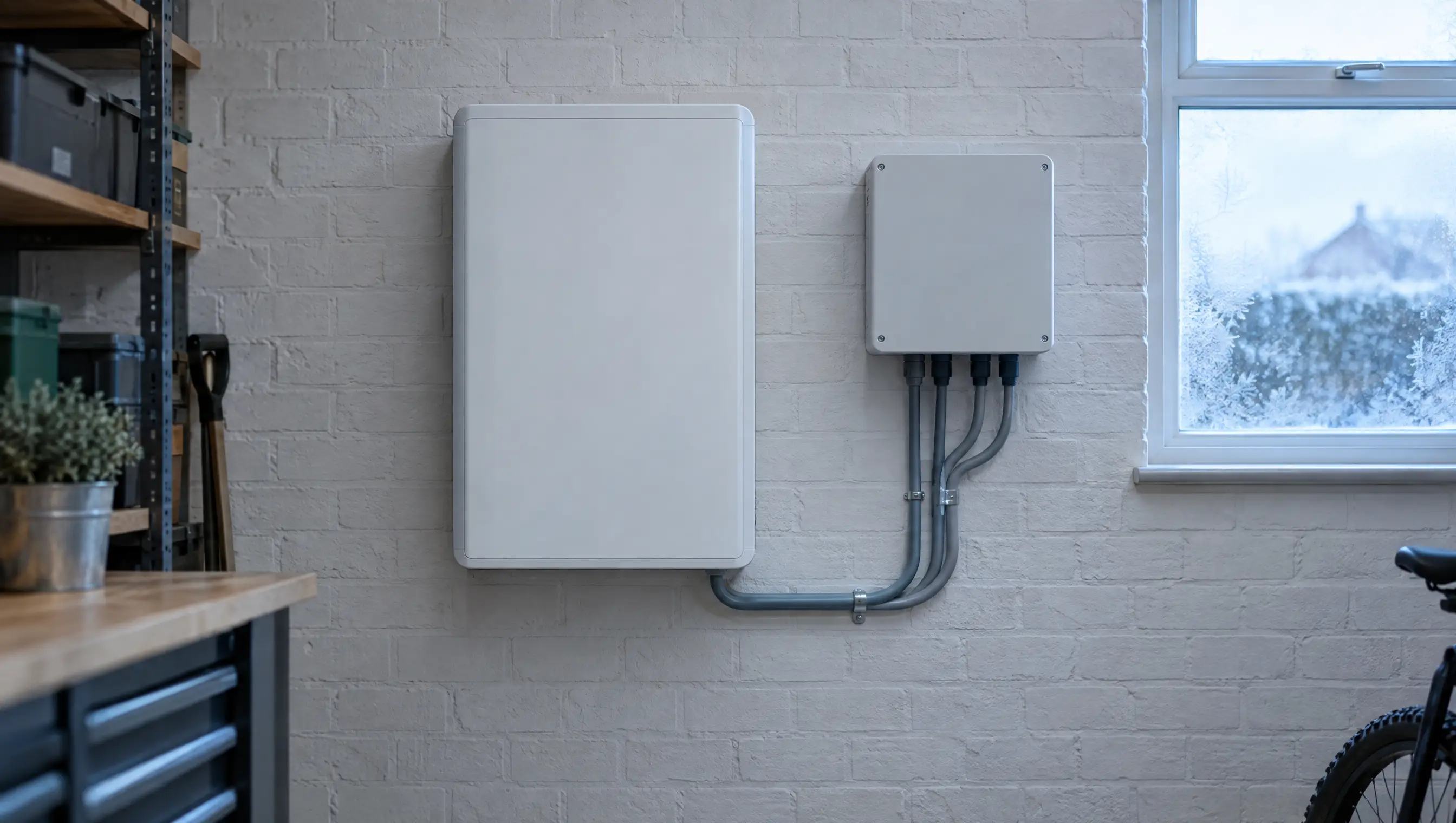
This one surprises people, and it is a seasonal London problem because batteries are often sited in garages, outbuildings and on external walls.
Lithium batteries have separate temperature windows for charging and discharging, and the charging window is narrower. A typical domestic battery will accept charge only above freezing, while still discharging several degrees below it. So on a cold morning you can watch a battery happily powering the house and flatly refusing to take anything in, and nothing at all is wrong with it.
The exact figures differ by product, and the datasheet for your specific battery is the place to check.

What has your tariff told it to do?
This is the big one, and a common reason a healthy system looks faulty.
If you are on a time-of-use tariff, your battery is very likely scheduled to charge from the grid during a cheap overnight window rather than from solar during the day. That is not a malfunction or a loophole. It is what those tariffs are designed for, and energy suppliers market it that way. Octopus, for instance, describe filling a battery on cheap overnight power as the intended use of their tariffs, with a defined cheap window in the small hours.
So before assuming anything: look at your tariff's cheap-rate periods, then look at the charge schedule in your app, and see whether they line up with the times the battery is actually charging. If they do, the system is doing its job.
"But it is charging from the grid in the middle of the day"
Now that is worth looking at.
Overnight grid charging is normal. Grid charging at midday in summer, with generation available and the battery not full, is not. Nor is a battery discharging into the grid when it should be running the house.
A likely explanation is a CT clamp.
What a CT clamp is, and why everything depends on it
A CT clamp is a small sensor that clips around the outside of a cable. It makes no electrical connection. It senses the magnetic field around the conductor and from that tells the inverter two things: how much current is flowing, and which way it is going.
That second part is the whole game. Your inverter has no other way of knowing whether your house is importing from the grid or exporting to it. Every decision it makes (charge now, discharge now, hold, limit export) is based on that one sensor. Get it wrong and the system's entire logic runs backwards.

What goes wrong
Fitted the wrong way round. CT clamps are directional and marked with an arrow. Reverse it and import reads as export and export reads as import. The classic symptom is a battery that will not charge because, as far as the inverter is concerned, the house is already exporting and there is nothing to capture. On a battery-side CT, a reversed clamp can make charge commands show up as discharge.
Worth knowing: there is no universal rule about which way the arrow points. One manufacturer specifies the arrow facing towards the grid, another specifies it facing towards the inverter. It depends on the equipment, and the only correct answer is whatever that inverter's own instructions say.
Fitted on the wrong cable, or the wrong side. The clamp has to sit where it sees all the current passing between your property and the grid, on the incoming tails and upstream of where the inverter's own supply joins. Put it downstream of that junction, or on a sub-circuit, and it sees only part of the picture. The readings look plausible and are wrong, which is worse than obviously broken.
Not properly closed, or damaged. The jaws have to shut fully. A clamp that has not clicked closed, or a lead that has been pinched or run alongside AC cabling, gives readings that are low, erratic or missing.
Why you must not go and look
A CT clamp sits on the incoming meter tails. Those are live, and they are generally upstream of any fuse or breaker you can operate. The only isolation point is the service fuse at the cut-out, which belongs to your network operator, not to you.
Inspecting, reseating, turning round or refitting a CT clamp is work on live conductors and is not a homeowner task. Not "be careful with it": don't. Manufacturers say the same: CT installation involves working with live electrical systems and is for qualified people only.
What you can do is spot it. If your app shows import and export that look swapped, or a battery importing on a bright day, that is enough to report. An engineer confirms it, and where a CT is the culprit the fix is often straightforward. The value is in knowing where to look.
Genuine faults
If the four normal explanations are ruled out and the readings look sensible, the remaining causes need an engineer:
Communication loss between battery and inverter. They talk to each other constantly; when that link drops the battery often parks itself.
A battery management system protection trip, where a cell voltage, temperature or current has gone outside its safe window and the battery has shut itself down to protect itself.
A firmware mismatch, usually after one component has updated and another has not.
A tripped breaker or an isolator left off, sometimes after unrelated electrical work.
A single failed module in a stacked system, which can take the whole stack offline.
An inverter fault, which will normally show as a code on the display.

What you can safely check
All of this is app, eye and switch level. None of it involves opening anything.
Read the app: state of charge, current mode, and any alarm or error code
Check whether the battery is simply full
Check the charge and discharge schedule, and any grid-charge or force-charge setting
Check your tariff's cheap windows against the times it actually charges
Check the minimum state of charge or reserve setting
Confirm the system is generating at all today
Look at the front of the consumer unit for a tripped breaker. Resetting one once is a normal thing to do. If it trips again, stop and call someone
Check any clearly labelled external isolator switch on the outside of the equipment
Check whether monitoring is connected. No data is not the same as no generation
Note when it started, and anything that happened around then: a power cut, a firmware update, a new EV charger, building work
What not to do: open the inverter, the battery or the consumer unit; remove any cover; touch the CT clamp; go anywhere near the meter, tails or cut-out; attempt any electrical testing; reset a breaker repeatedly; or flash firmware yourself.

One thing for anyone still on the Feed-in Tariff
If you have a FIT-era system and you are adding or already running a battery that can charge from the grid, there is a metering point worth being clear about.
Adding storage does not in itself affect your FIT accreditation. What matters is measurement. Ofgem's rules require that generation can be measured separately from any other electricity source, and their guidance on co-located storage is explicit that where an export meter cannot identify whether exported electricity came from the accredited installation or from another ineligible source, such as stored electricity imported from the grid, the generator is not entitled to export payments.
That is solvable with the right metering arrangement, and it is a design question rather than a problem. But it needs settling before the work rather than discovered afterwards, and it is a good reason not to have a battery fitted to a FIT system by someone who has not asked which export arrangement you are on.
Frequently asked questions
My battery charges overnight from the grid. Is that wrong?
Almost certainly not. On a time-of-use tariff that is the intended behaviour, and it is often the main reason the battery pays.
It stopped at 80 per cent and will not go further.
Look for a maximum charge or reserve setting. Some systems are configured deliberately this way.
It will not charge but it still powers the house in the evening.
In cold weather that can be entirely normal. Charging and discharging have different temperature limits.
The app says I am exporting when I know I am not.
That is the classic CT clamp signature. Worth reporting.
Could it be the battery failing?
Possible, but well down the list. Check configuration, tariff, temperature and sensing first.
Can you look at a system you did not install?
Yes. We inspect and repair battery systems whoever fitted them.
What an engineer actually does
Isolates safely, then verifies the CT clamp: orientation, which conductor it is on, which side of the tails, and whether it is reading true against a meter. Checks the communications wiring between battery and inverter. Compares firmware versions across the inverter, the battery management system and any gateway. Reads the battery's own logs for protection trips and per-module cell data. Tests individual modules in a stacked system. Reviews the configuration, schedules, reserve level and work mode. Confirms the grid connection settings are intact.
Many of these are quick checks. Knowing which of them to make is the job.
Book a solar and battery inspection. If your battery is behaving in a way you cannot explain from the app, it is worth someone reading the system properly.
Latest Articles






Ready to Start Saving with Solar?
Get your free no-obligation quote today. Our experts will design the perfect system for your home.
Free Home Survey
MCS Certified
Reply in 1 Working Day


Quick Links
Services
Contact
© 2026 Solar Panels London. All rights reserved.